
Compatible avec l'IA
Conçu pour l'ère de l'IA. VMark parle MCP nativement — Claude, Codex ou Gemini peuvent lire, suggérer et modifier vos documents. Pas de plugins. Connectez-vous et collaborez.
Gratuit · Intelligent · Beau · À vous

Conçu pour l'ère de l'IA. VMark parle MCP nativement — Claude, Codex ou Gemini peuvent lire, suggérer et modifier vos documents. Pas de plugins. Connectez-vous et collaborez.

Enfin, un éditeur qui comprend le 中文、日本語、한국어. Espacement intelligent entre CJK et latin, ponctuation pleine largeur, guillemets en coin「comme ceux-ci」. Vingt règles de mise en forme, un raccourci.

Épuré quand vous avez besoin de concentration. Puissant quand vous avez besoin de contrôle. Cinq thèmes soigneusement créés, une typographie qui respecte vos polices, une barre d'outils qui n'apparaît que quand vous le souhaitez.

165 raccourcis clavier. Trois modes d'édition — WYSIWYG, Aperçu source et Source. Édition multi-curseur, mode focus, mode machine à écrire, historique du document. Toujours disponibles quand vous en avez besoin. Invisibles quand vous n'en avez pas besoin.
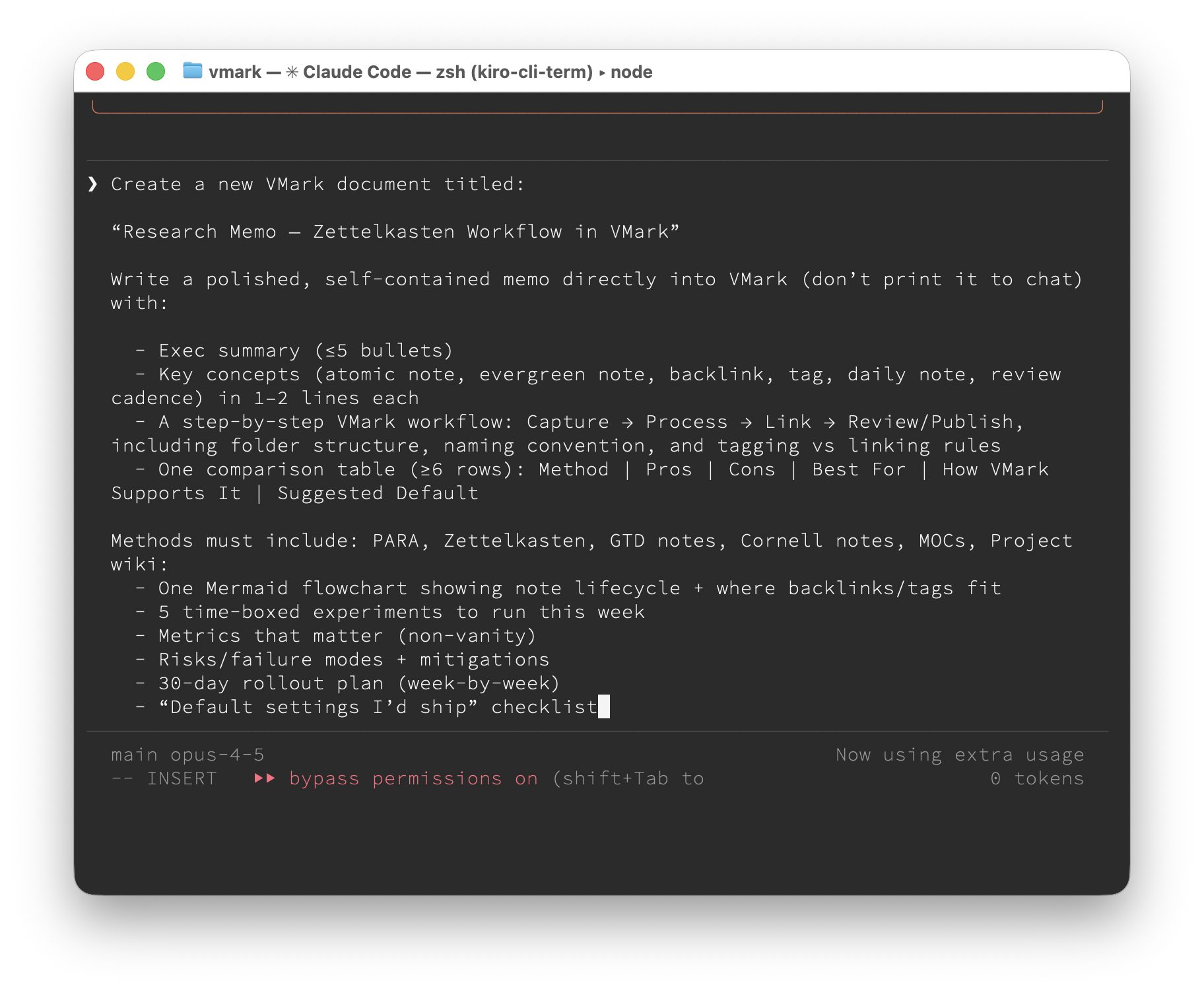
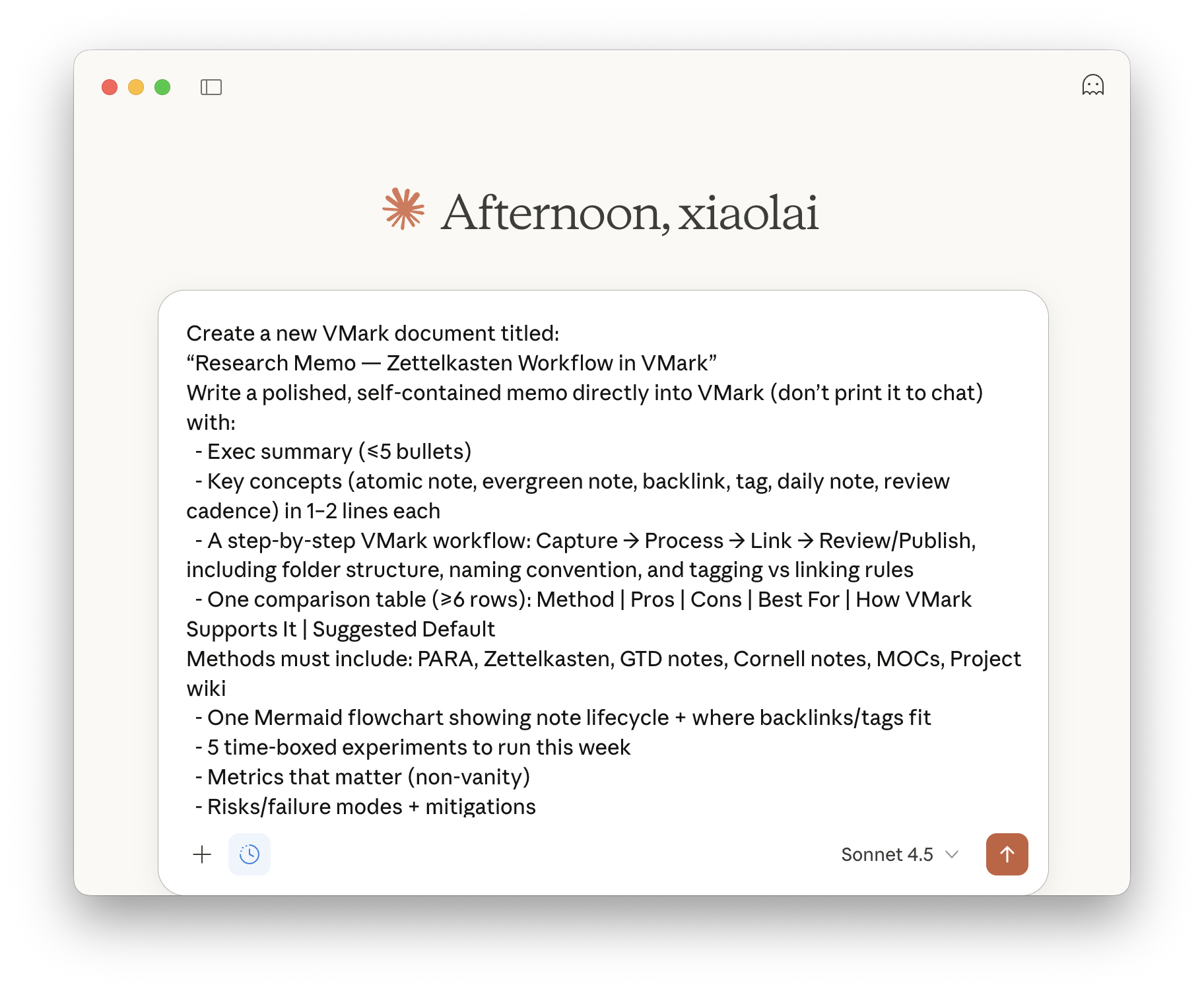
Claude Code, Claude Desktop, Codex CLI, Gemini CLI… peuvent écrire directement dans vos documents via l'intégration MCP :
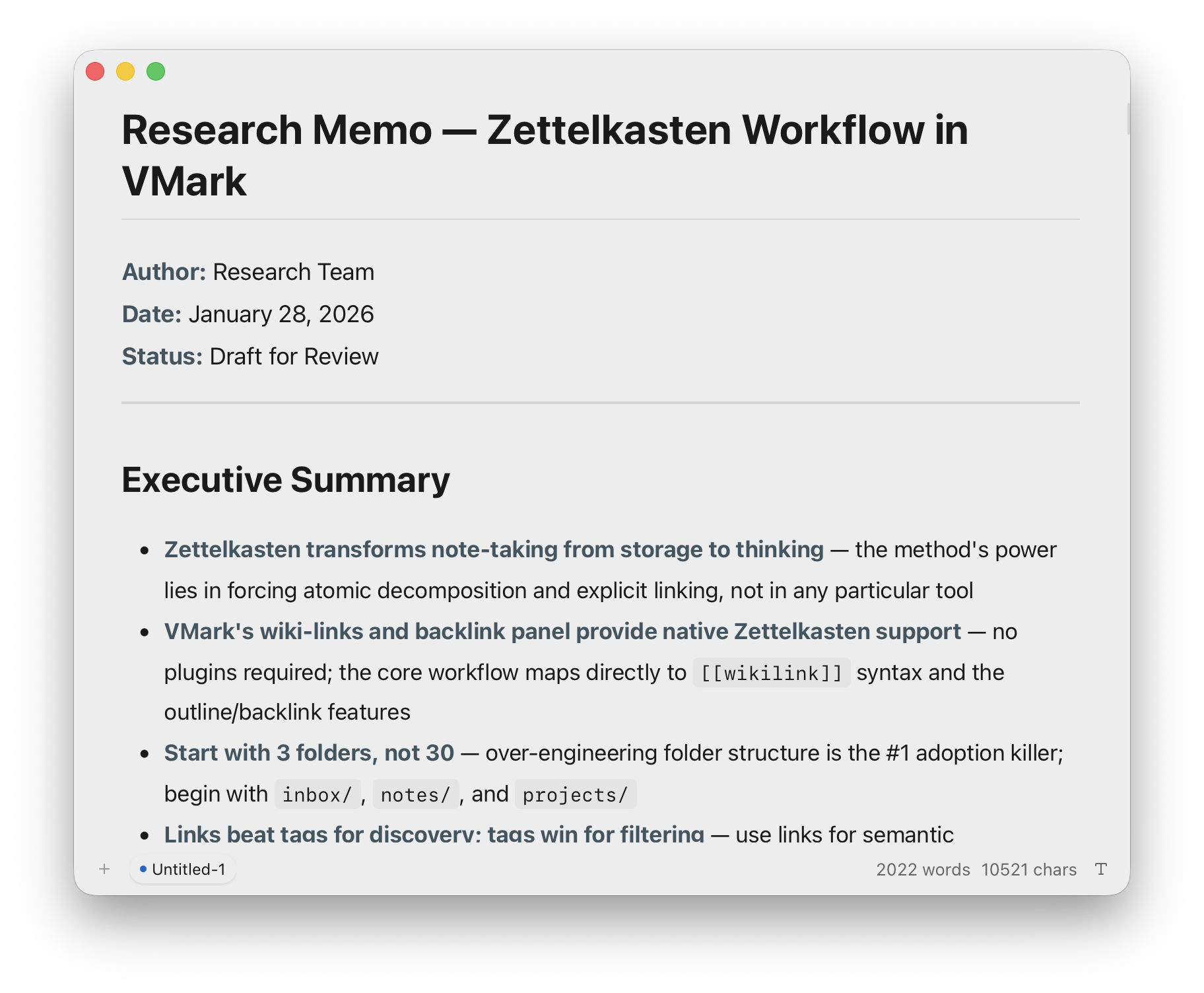
Click each mode to see how the same content looks
VMark is a modern Markdown editor with three editing modes.
Watch multi-cursor rename "count" → "total" across all occurrences
Type an opening bracket or quote, then press Tab to escape
()[]{}""''``「」()【】
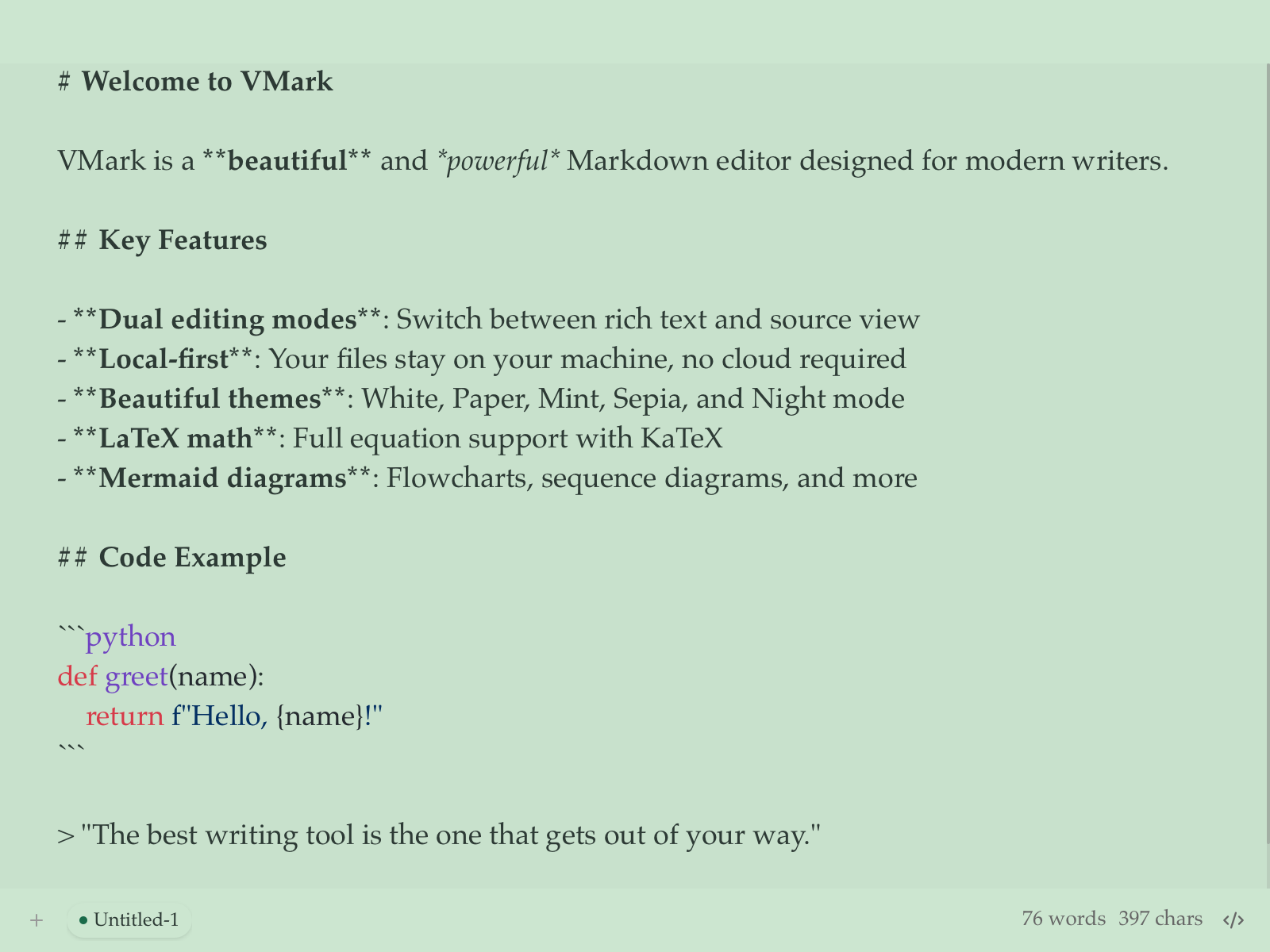
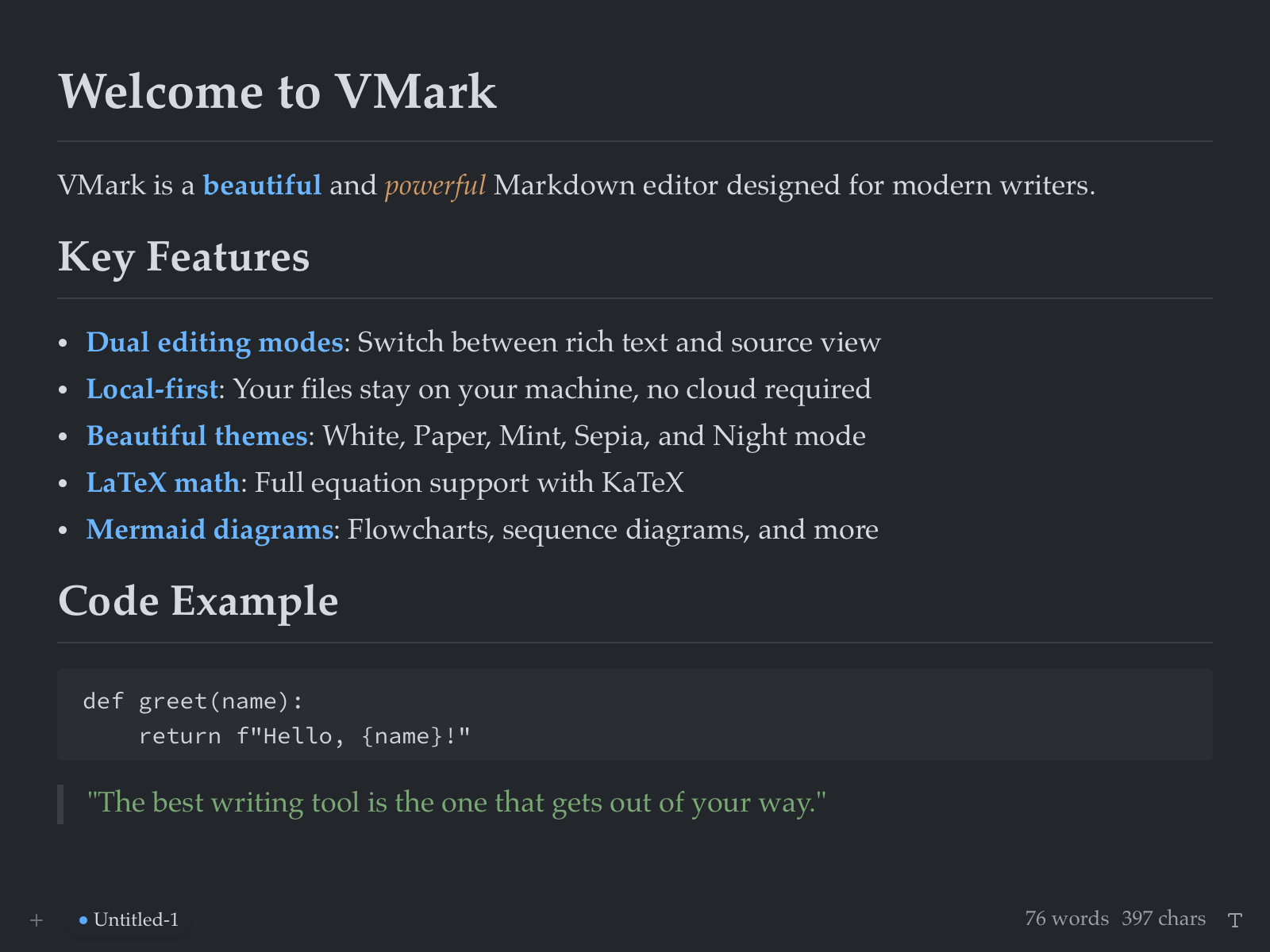
See how VMark formats mixed CJK and Latin text
Adds spaces between CJK and numbers/letters, converts punctuation
Fine-tune fonts, sizes, and spacing for perfect readability
Good typography is invisible — it lets readers focus on content, not formatting. The right combination of font, size, and spacing creates a seamless reading experience.
优秀的排版是无形的——它让读者专注于内容而非格式。字体、字号和间距的恰当组合,能够创造出流畅的阅读体验。
VMark supports mixed CJK and Latin text with automatic spacing. Whether you write in English, 中文, 日本語, or 한국어 — typography just works.
Five hand-crafted themes for comfortable writing
Write beautiful markdown with style.
This is a link to somewhere interesting.
A blockquote for emphasis.
The quick brown fox jumps over the lazy dog.
Click any paragraph to focus on it
Focus Mode helps you concentrate on what matters most — the current paragraph you're writing.
When enabled, VMark dims surrounding content while keeping your current paragraph fully visible and vibrant.
This creates a natural visual hierarchy that reduces distractions and keeps your attention where it belongs.
Combined with Typewriter Mode, your cursor stays centered on screen for a comfortable writing flow.
GitHub-style callouts for notes, tips, warnings, and more
Useful information that users should know, even when skimming content.
Helpful advice for doing things better or more easily.
Key information users need to know to achieve their goal.
Urgent info that needs immediate user attention to avoid problems.
Advises about risks or negative outcomes of certain actions.
> [!NOTE]
> Your note content here.

> [!TIP]
> Helpful advice here.

> [!IMPORTANT]
> Key information here.

> [!WARNING]
> Urgent info here.

> [!CAUTION]
> Risk advisory here.
Expandable sections for FAQs, spoilers, and optional content
This section contains nested collapsible content:
<details>
<summary>Click to expand</summary>

Your hidden content here.
Supports **markdown** formatting.

</details>
VMark est optimisé pour macOS avec un support natif pour Apple Silicon et Intel. Téléchargez la dernière version et commencez à écrire dès aujourd'hui.