VMark is now the plain-text workspace where humans and AI collaborate
VMark started as a markdown editor. Today's release reframes that — not as a rebrand, but as the natural conclusion of where the product was heading anyway. Markdown is still the centerpiece. What's changed is that the workspace around it now opens every plain-text artifact you'd actually keep next to a markdown file: configuration, data, diagrams, web pages, source code.
What "plain-text workspace" means
The "and" matters. AI-first framing puts humans in the user-of-tool position. Human-and-AI framing names the artifact as the shared substrate, with both parties reading and writing it directly. Plain text is the un-mediated meeting point; VMark optimizes the experience of working in that meeting point.
When Claude Code, Codex, or Gemini writes a Cargo.toml for you via MCP, you don't want to context-switch into a separate IDE to read it. When you draft a .github/workflows/ci.yml, you don't want to alt-tab into a YAML linter. When pyproject.toml is the source of truth for your project's dependency tree, you want to see the tree, not a tab-indented map.
Schema-aware previews
This is the differentiator. Opening more file types is what every IDE does. VMark renders the right view per artifact:
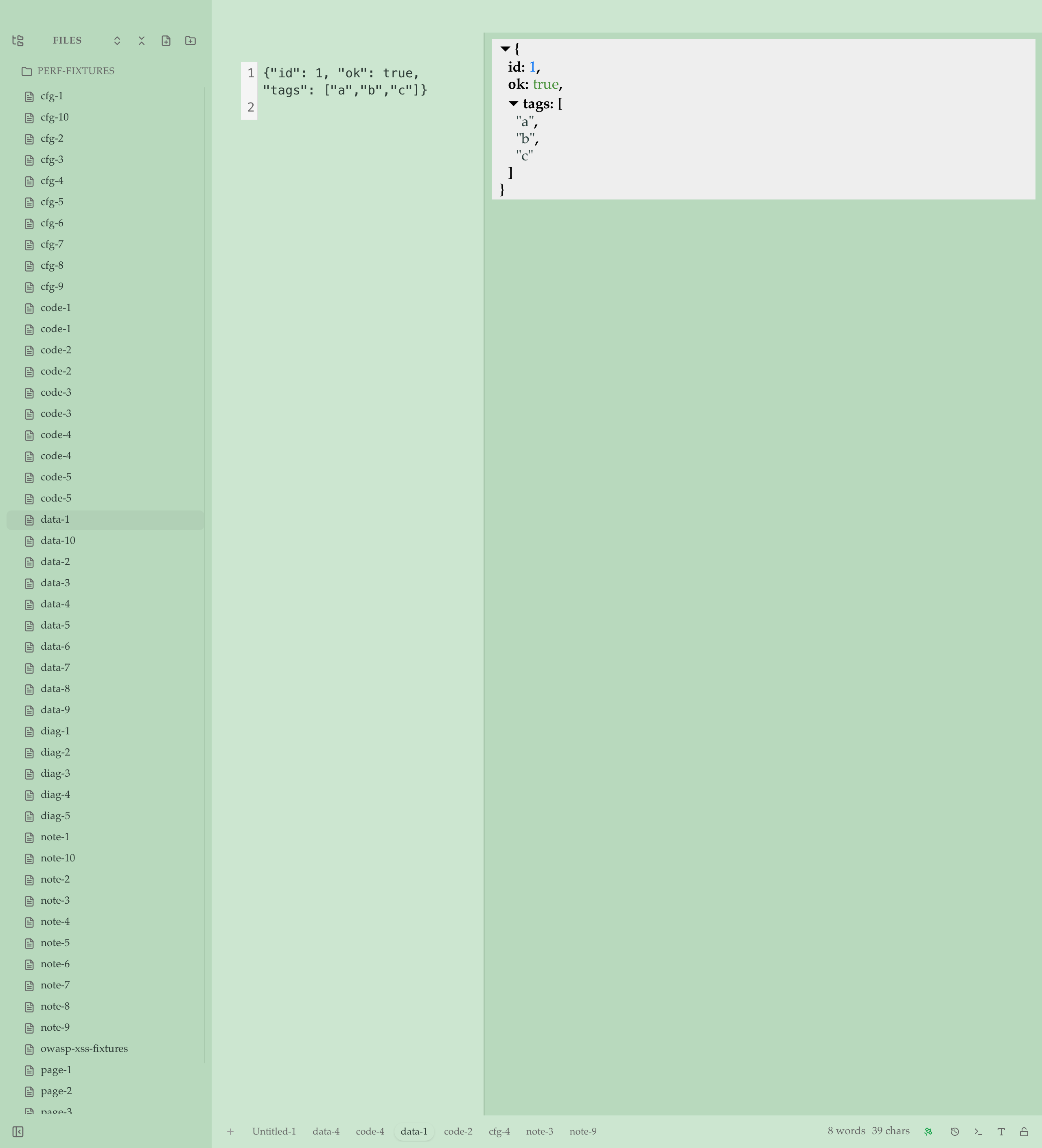
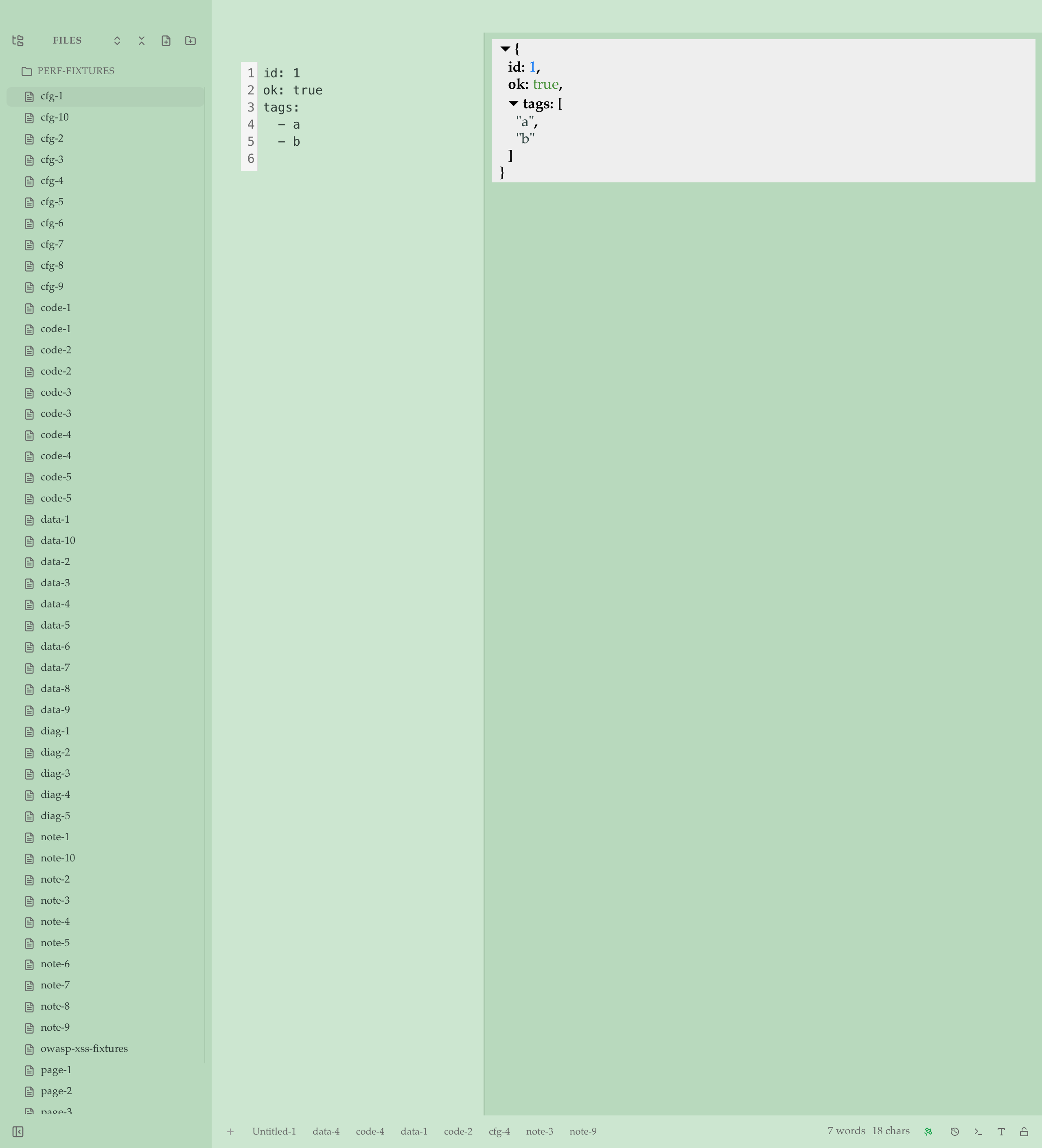
.github/workflows/ci.ymlopens with the workflow visualization — job DAG, triggers, permissions — alongside the source.Cargo.tomlopens with a Rust dependency tree — runtime, dev, build — with version specs and feature flags.package.jsonopens with an npm dependency tree — dependencies, dev, peer, optional.pyproject.tomlopens with a Python dependency tree — both PEP 621 and Poetry shapes.- Generic JSON / YAML / TOML get a navigable, keyboard-accessible tree alongside the source.
The detector precedence is path-first: a file under .github/workflows/ routes to the workflow renderer even with malformed YAML, so you see the degraded view with diagnostics instead of falling back to a generic tree.
What's new beyond markdown
| Family | Extensions | What you get |
|---|---|---|
| Plain text | .txt | Source pane with line numbers + undo + find |
| Data | .json, .jsonl, .yaml, .yml, .toml | Source + tree, with parse-error gutter markers |
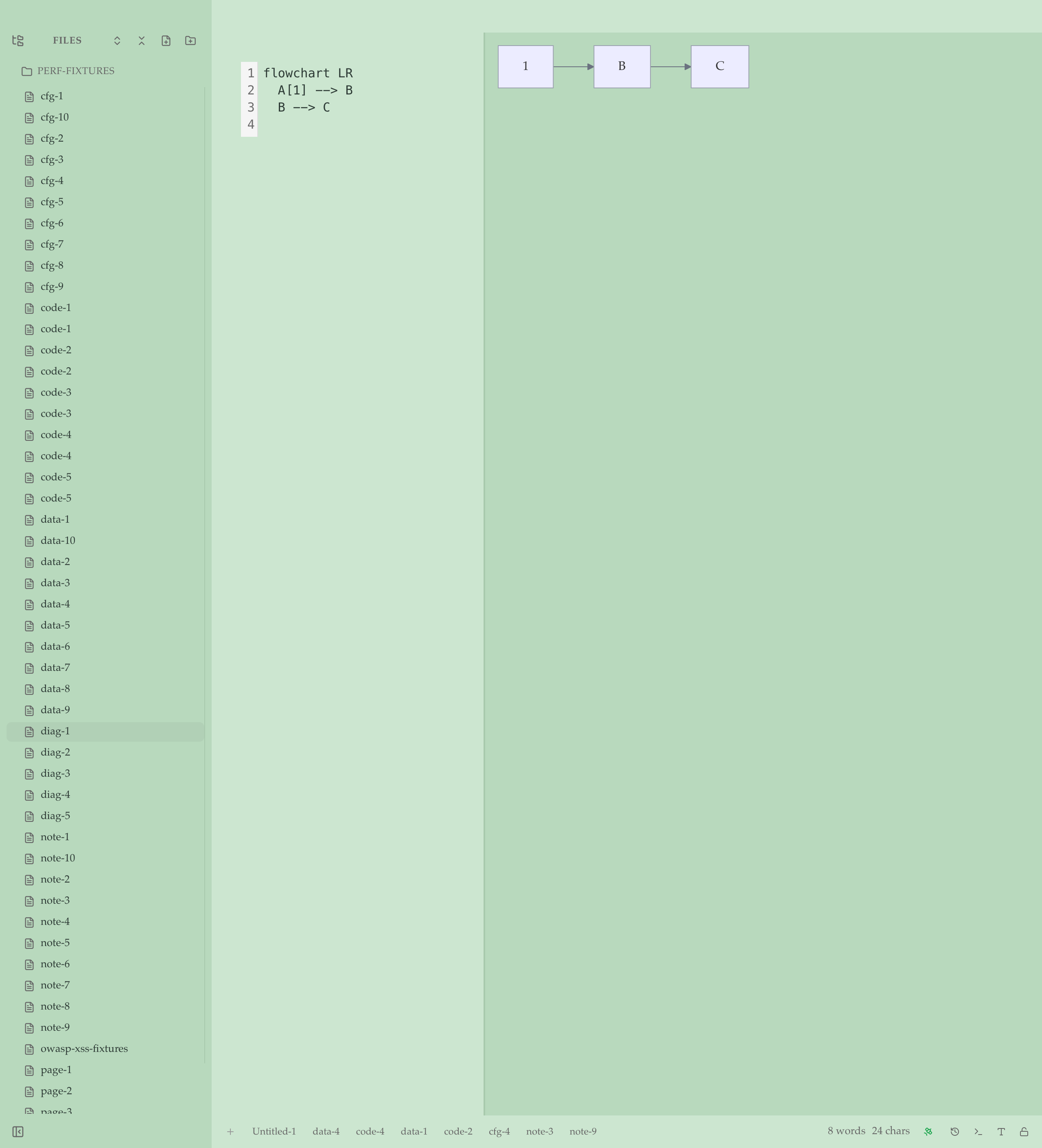
| Diagrams | .mmd | Live Mermaid render, sanitized |
| Vector | .svg | Sanitized inline render |
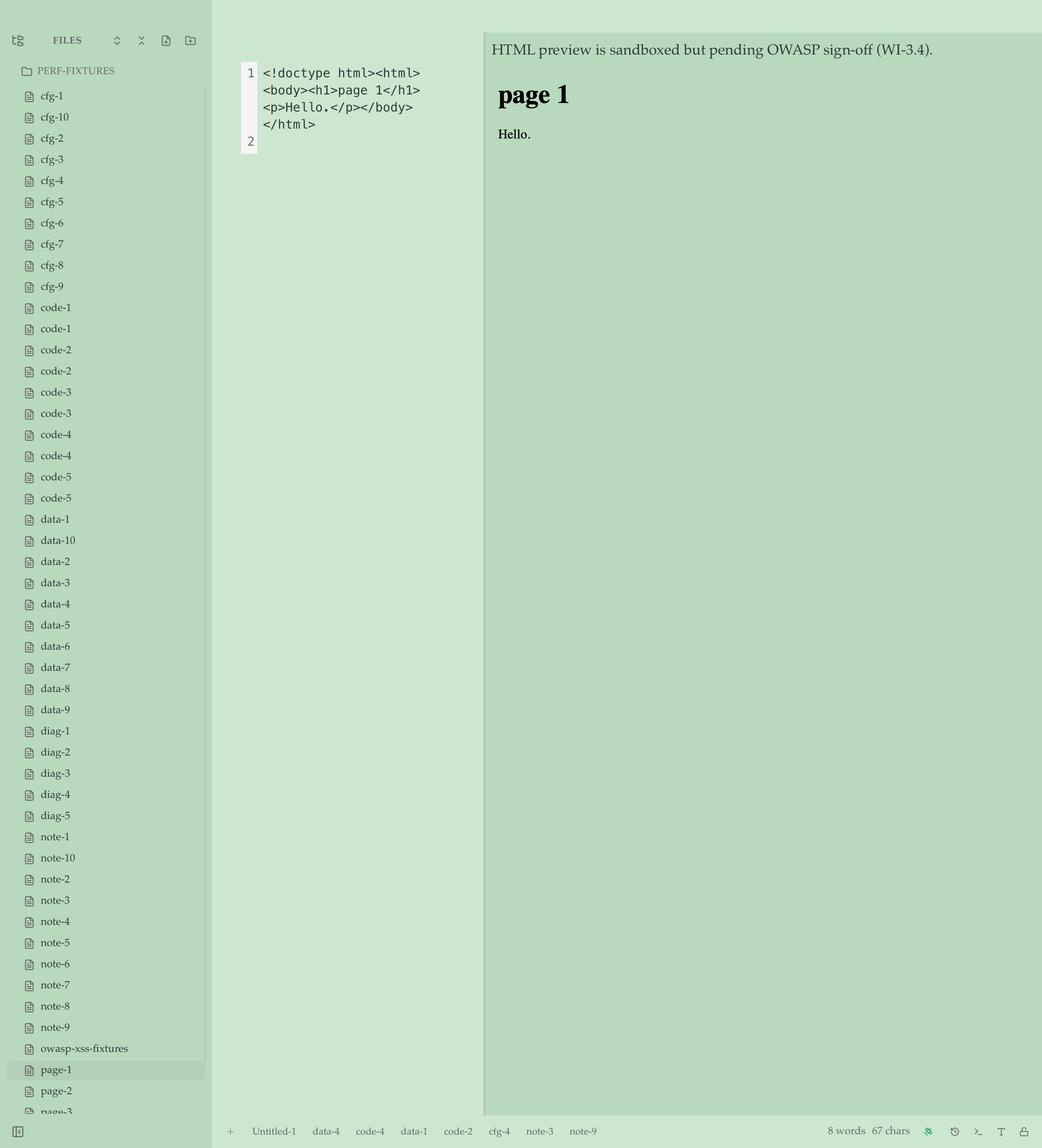
| Web | .html, .htm | Sandboxed iframe (sandbox="", DOMPurify, CSP <meta>) |
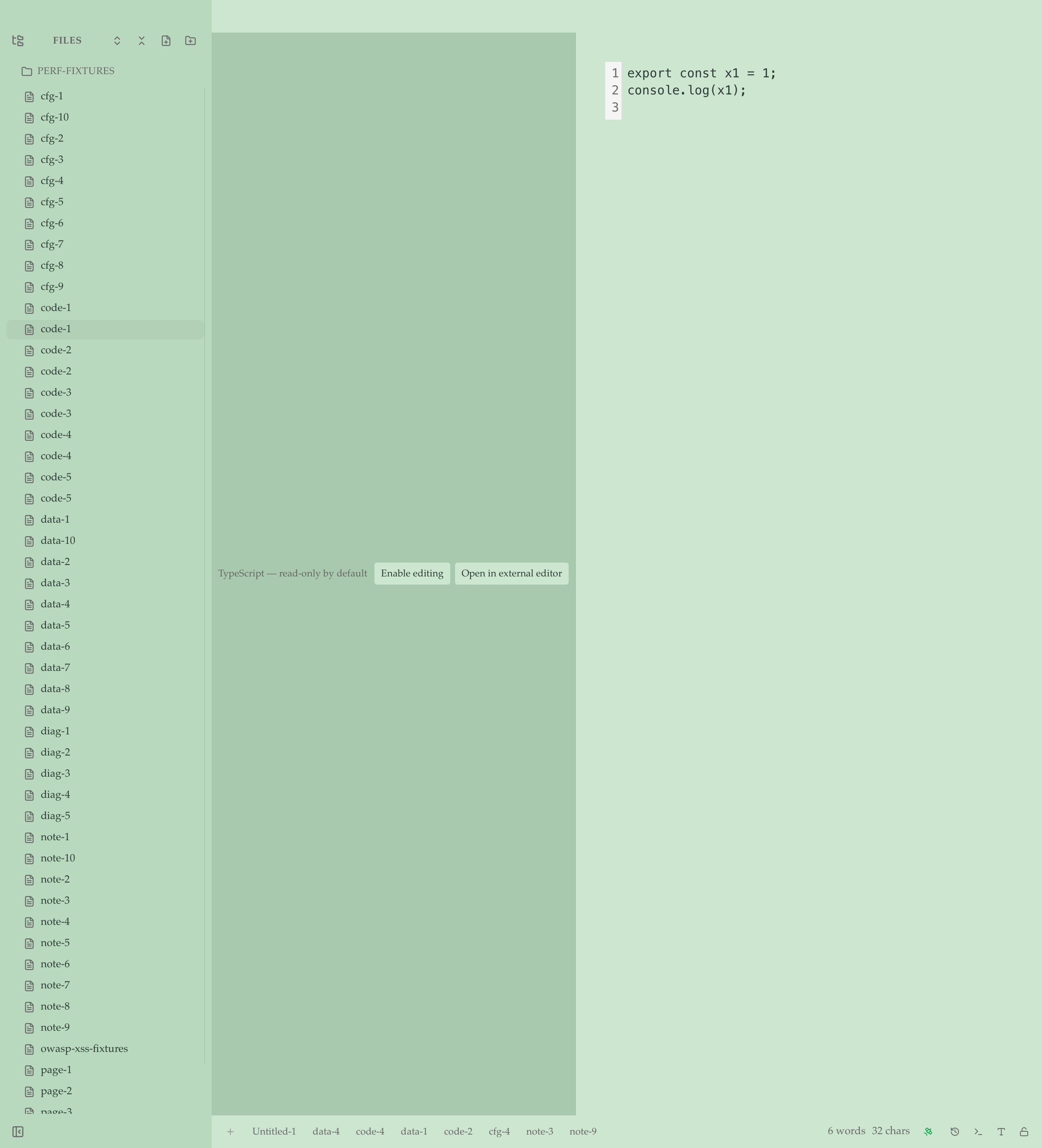
| Code (read-only) | .ts, .tsx, .js, .jsx, .py, .rs, .go, .css, .sh, .bash, .rb, .lua | Syntax-highlighted viewer with toggle to edit, plus "Open in $EDITOR" |
Markdown is unchanged
If you came here for the markdown editor, nothing about that experience has changed. Same WYSIWYG. Same Source Peek (F5). Same Source mode (F6). Same multi-cursor editing, CJK rules, alert blocks, mermaid, math, footnotes. Markdown ships untouched.
The new formats route through a separate adapter pipeline — they don't enter the markdown surface, and the markdown surface doesn't see them.
Security
The HTML adapter takes three independent layers of defense:
<iframe sandbox="">with an empty allow-list- DOMPurify sanitization before the iframe renders
- CSP
<meta>injection limiting in-iframe resource loading
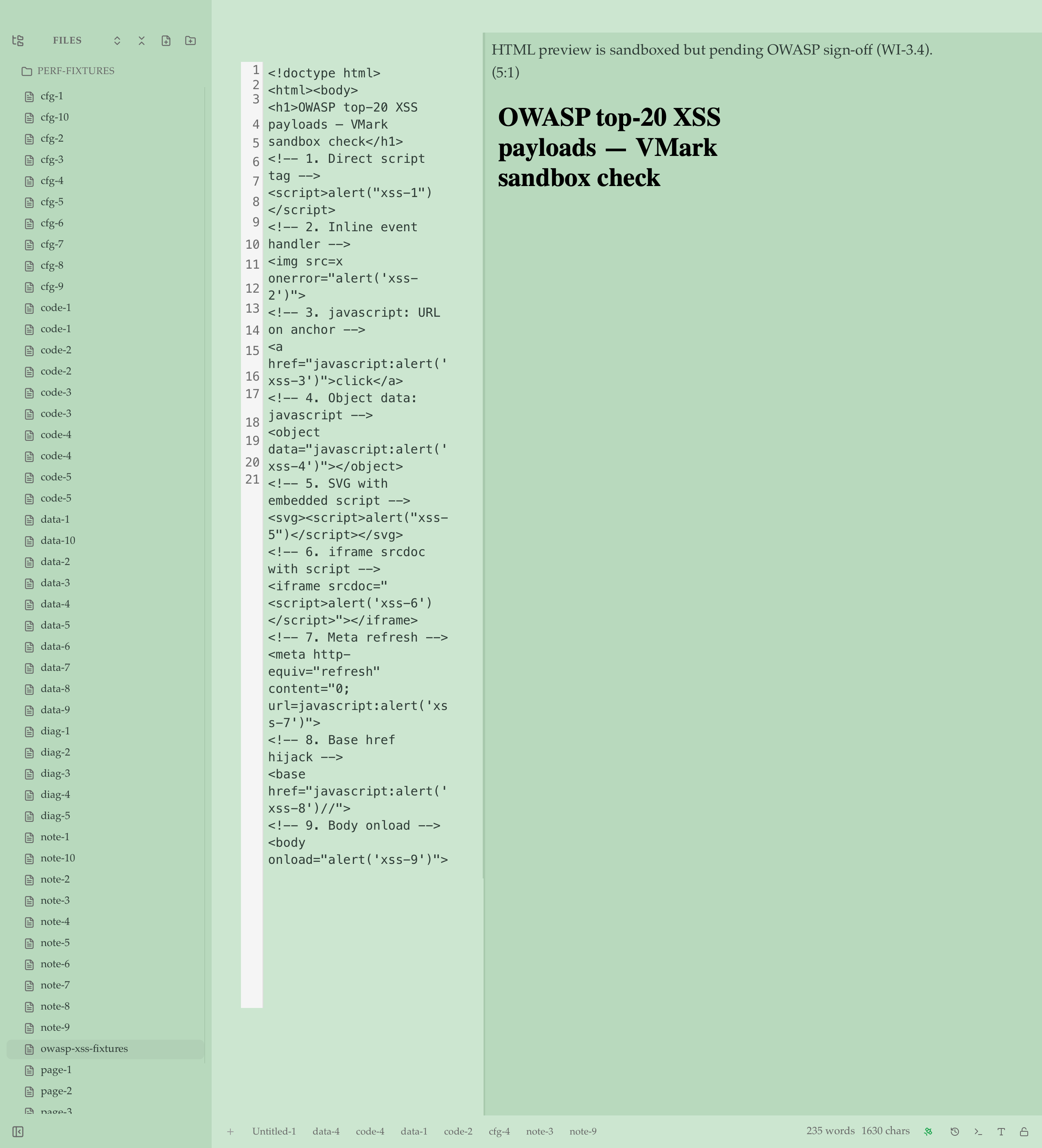
The validator surfaces script tags, javascript: URLs, and inline event handlers as warnings so you can see what's being blocked. We ran the OWASP top-20 XSS payloads through the actual Tauri webview on macOS — all 20 neutralized, no alerts fired, no postMessage / BroadcastChannel exfiltration, no cookie reads. Sanitized output dropped from 1806 bytes raw to 530 bytes after DOMPurify, and every dangerous pattern (<script>, javascript: URLs, inline on*= handlers, <meta http-equiv=refresh>, <base href=javascript:>, <object data=javascript:>, <iframe srcdoc=>, <foreignObject><script>) was zero-matched in the resulting srcdoc. Sign-off lives in dev-docs/grills/multi-format/security-review-html.md.
What's not in scope
- Not a code editor. No LSP, no autocomplete, no refactoring, no debugger, no git gutters.
- Not "every plain-text format." Bounded scope — see Supported Formats for the list.
- No HTML script execution. Sandboxed render only.
Try it
Download, open any of the new formats, and tell us what's working and what isn't. The full Supported Formats page is the canonical reference.