

AI 友善
為 AI 時代而生。VMark 原生支援 MCP — Claude、Codex 或 Gemini 可直接讀取、建議並編輯你的文件。無需插件,連線即可協作。
為 AI 時代而生。VMark 原生支援 MCP — Claude、Codex 或 Gemini 可直接讀取、建議並編輯你的文件。無需插件,連線即可協作。

終於有一款真正懂中文、日本語、한국어的編輯器。智慧中英文間距、全形標點、角括號引號「如此這般」。二十條排版規則,一個快捷鍵搞定。

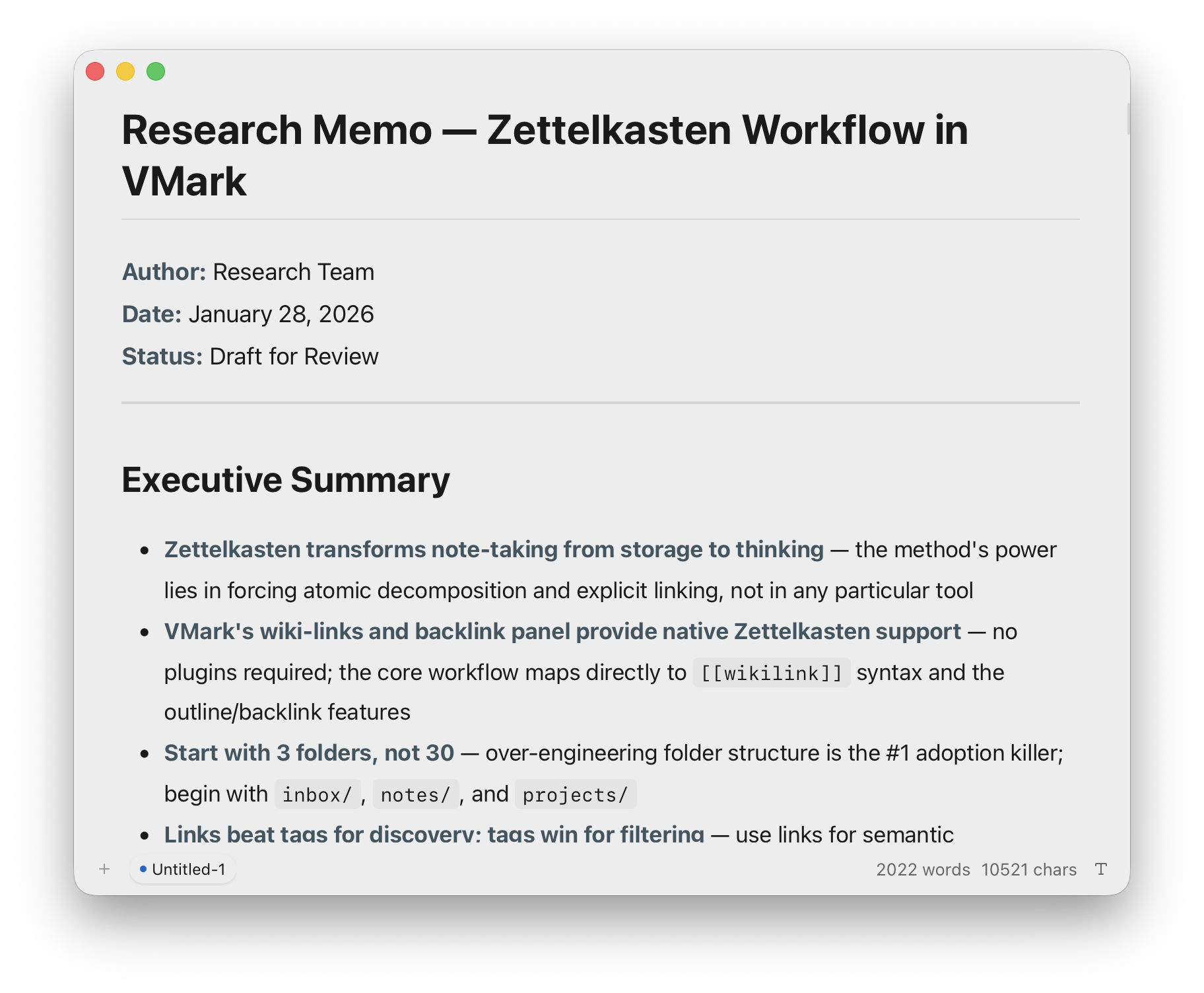
需要專注時保持簡潔,需要掌控時功能齊備。五款精心調製的主題,尊重字型的排版設計,工具列只在你需要時出現。

165 個鍵盤快捷鍵。三種編輯模式 — 所見即所得、原始碼預覽與原始碼模式。多重游標編輯、專注模式、打字機模式、文件歷史記錄。需要時隨時可用,不需要時悄然隱藏。
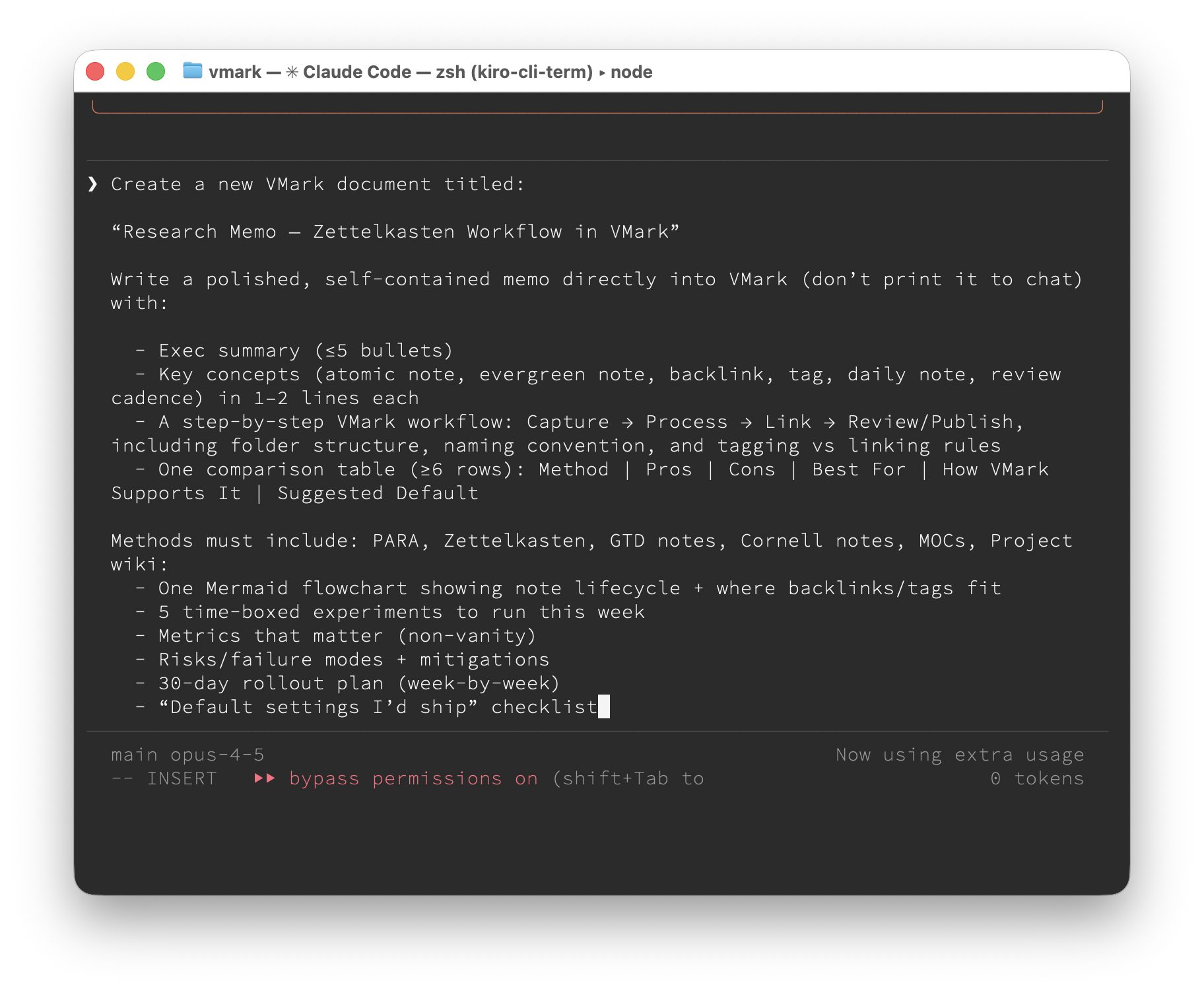
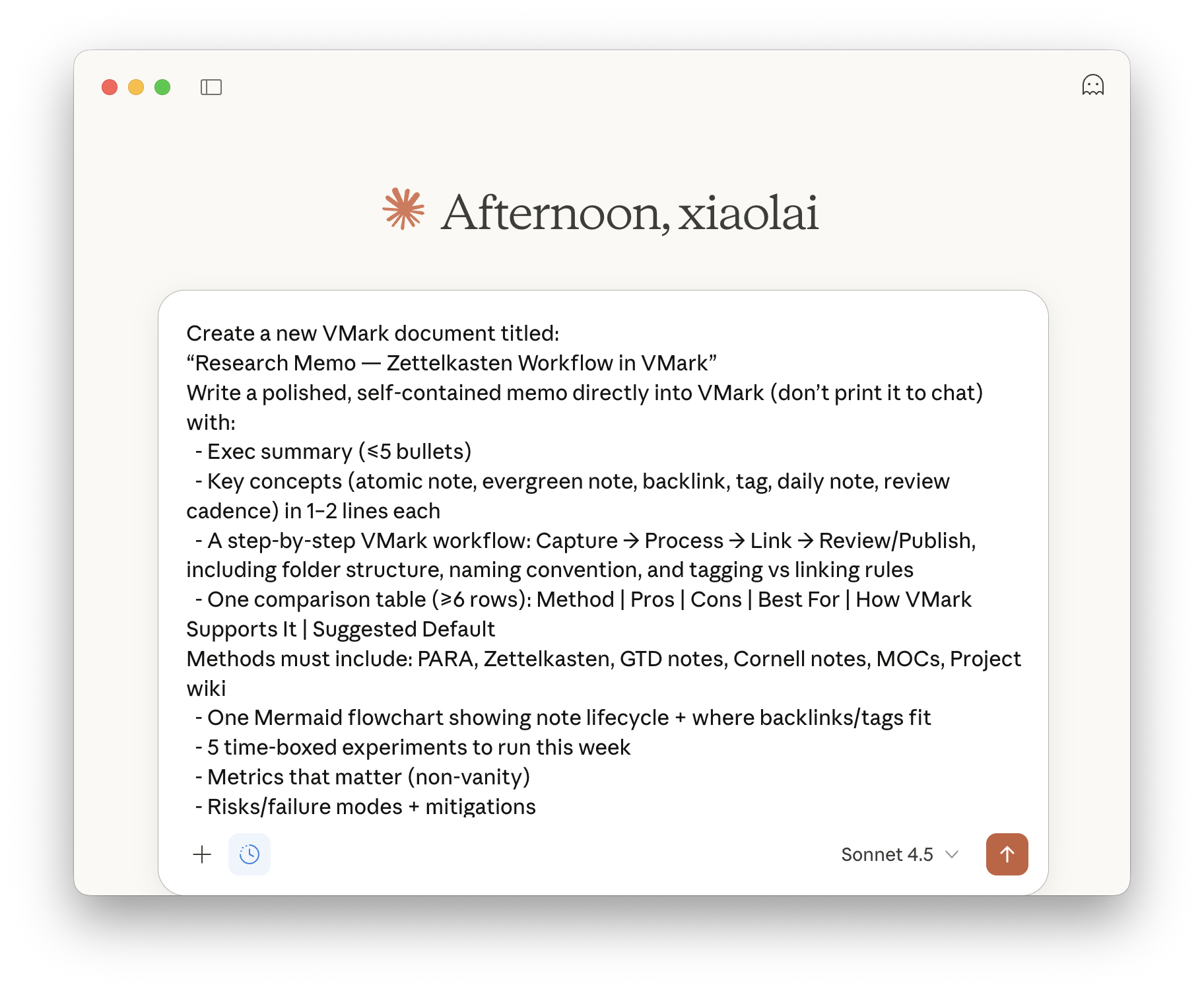
Claude Code、Claude Desktop、Codex CLI、Gemini CLI…… 均可透過 MCP 整合直接寫入你的文件:
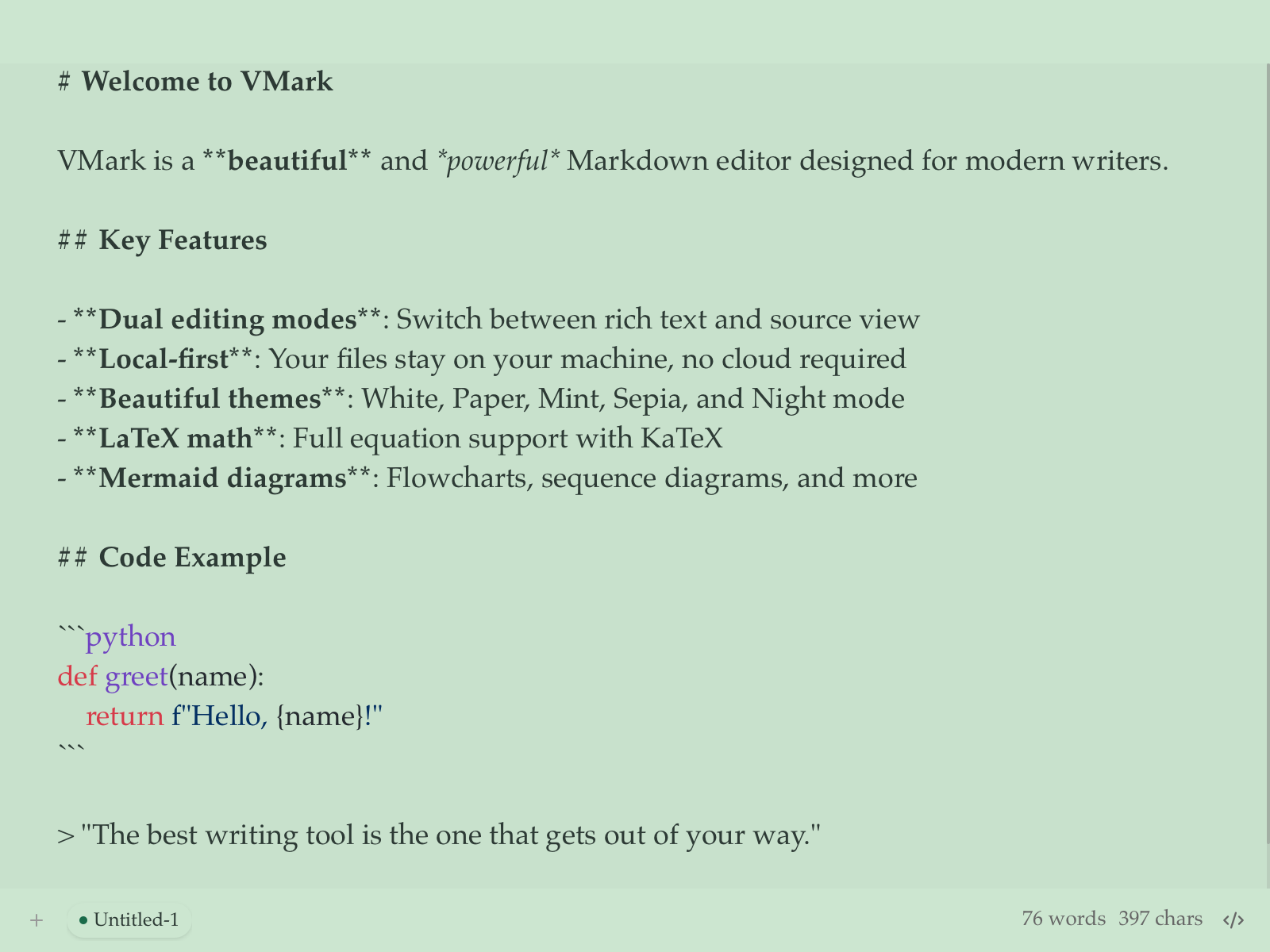
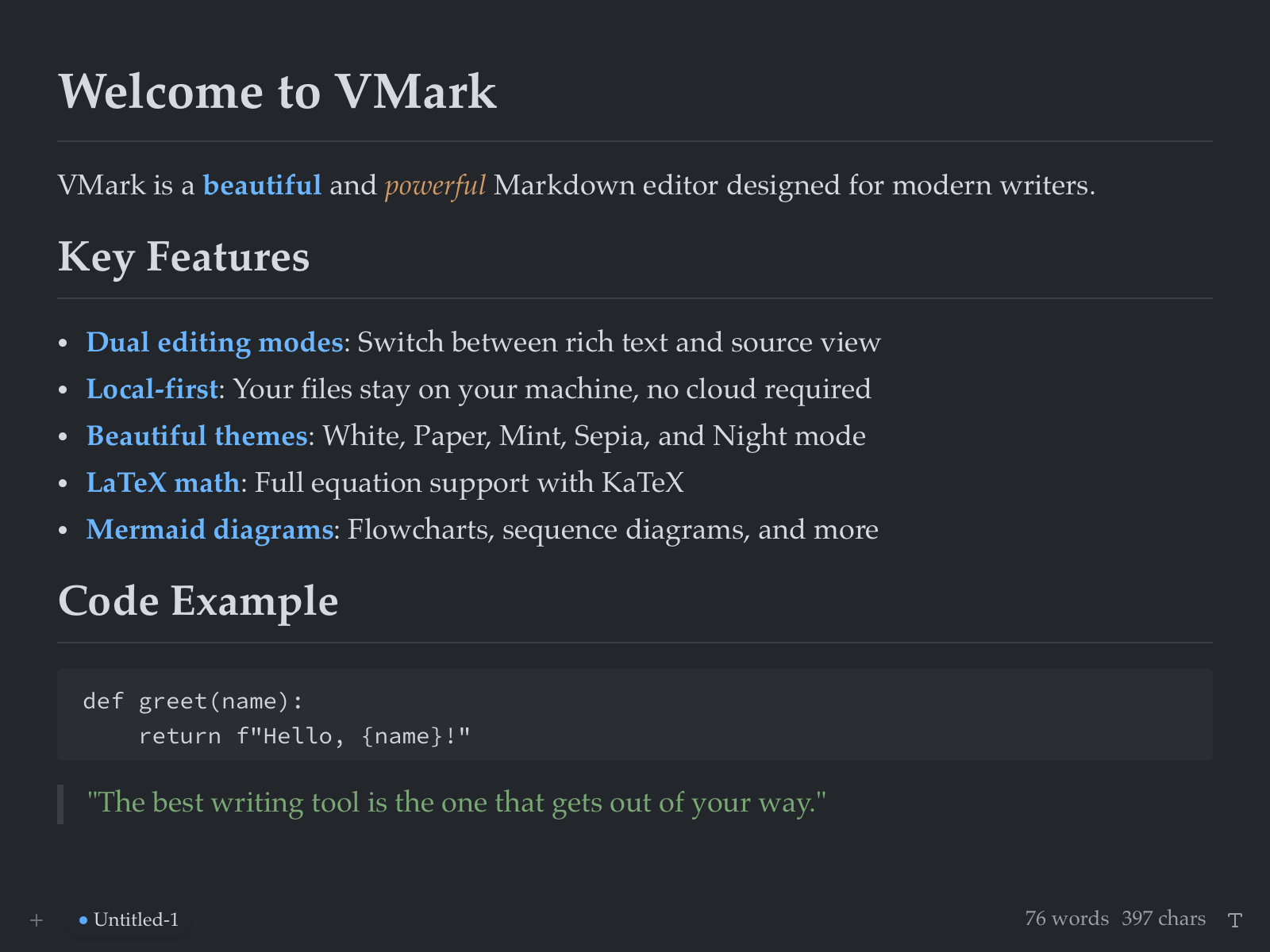
Click each mode to see how the same content looks
VMark is a modern Markdown editor with three editing modes.
Watch multi-cursor rename "count" → "total" across all occurrences
Type an opening bracket or quote, then press Tab to escape
()[]{}""''``「」()【】
See how VMark formats mixed CJK and Latin text
Adds spaces between CJK and numbers/letters, converts punctuation
Fine-tune fonts, sizes, and spacing for perfect readability
Good typography is invisible — it lets readers focus on content, not formatting. The right combination of font, size, and spacing creates a seamless reading experience.
优秀的排版是无形的——它让读者专注于内容而非格式。字体、字号和间距的恰当组合,能够创造出流畅的阅读体验。
VMark supports mixed CJK and Latin text with automatic spacing. Whether you write in English, 中文, 日本語, or 한국어 — typography just works.
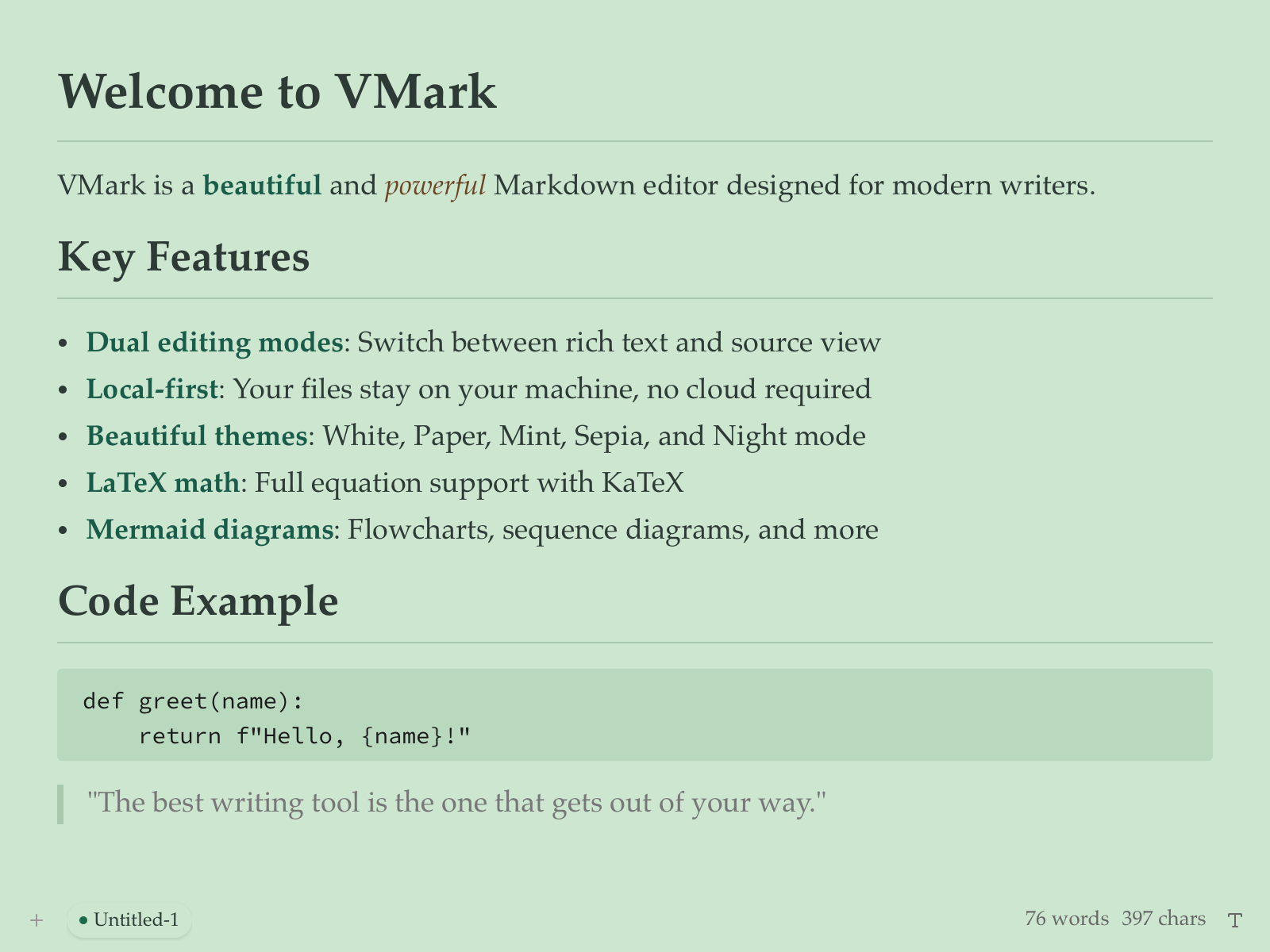
Five hand-crafted themes for comfortable writing
Write beautiful markdown with style.
This is a link to somewhere interesting.
A blockquote for emphasis.
The quick brown fox jumps over the lazy dog.
Click any paragraph to focus on it
Focus Mode helps you concentrate on what matters most — the current paragraph you're writing.
When enabled, VMark dims surrounding content while keeping your current paragraph fully visible and vibrant.
This creates a natural visual hierarchy that reduces distractions and keeps your attention where it belongs.
Combined with Typewriter Mode, your cursor stays centered on screen for a comfortable writing flow.
GitHub-style callouts for notes, tips, warnings, and more
Useful information that users should know, even when skimming content.
Helpful advice for doing things better or more easily.
Key information users need to know to achieve their goal.
Urgent info that needs immediate user attention to avoid problems.
Advises about risks or negative outcomes of certain actions.
> [!NOTE]
> Your note content here.

> [!TIP]
> Helpful advice here.

> [!IMPORTANT]
> Key information here.

> [!WARNING]
> Urgent info here.

> [!CAUTION]
> Risk advisory here.
Expandable sections for FAQs, spoilers, and optional content
This section contains nested collapsible content:
<details>
<summary>Click to expand</summary>

Your hidden content here.
Supports **markdown** formatting.

</details>
VMark 針對 macOS 最佳化,原生支援 Apple Silicon 與 Intel。立即下載最新版本,開始寫作。